![RazorSync_Icon.png]](https://help.razorsync.com/hs-fs/hubfs/RazorSync_Icon.png?height=40&name=RazorSync_Icon.png)
Create a Customer
-
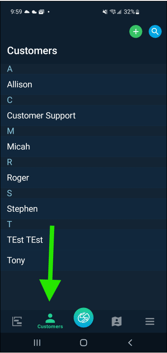
First Tap on the Customer tab on the bottom left middle.
-
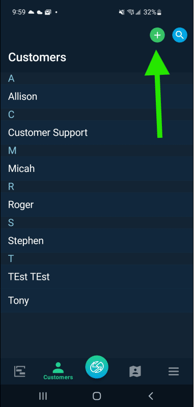
Next, tap on the Plus icon on the top right corner.
- Fill out the Customer Details, scroll down to fill out the Address and Contact fields as well.
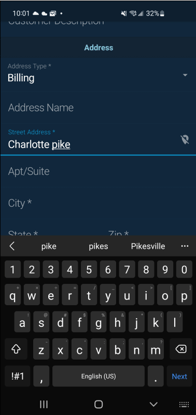
- Lastly, scroll back up to the top and click the green check mark to save.
***Don't forget to force sync the app after creating the customer!